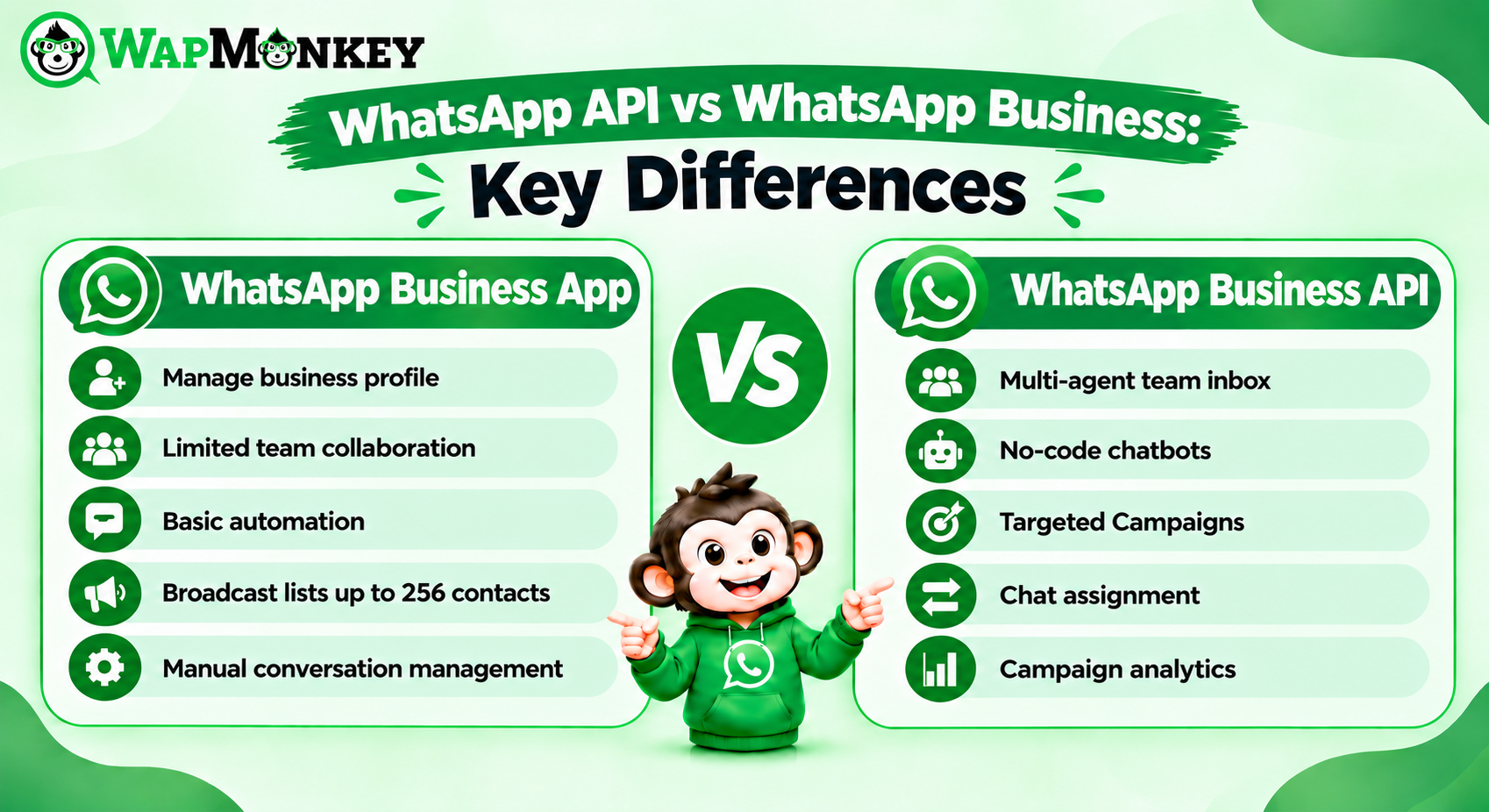
WhatsApp API vs WhatsApp Business: Key Differences
WhatsApp is now a core channel for businesses that want to reach customers quickly. As conversations grow, though, many teams start asking whether the free WhatsApp Business app is still enough or whether they need an API-based setup with campaigns, chatbots, analytics, and integrations.
This guide explains WhatsApp API vs WhatsApp Business using Meta's own descriptions of both products. It then shows how WapMonkey, a WhatsApp marketing API provider platform, supports businesses that need more than a single-device app.
Quick Answer: What Is the Difference Between WhatsApp API and WhatsApp Business?
According to Meta, the WhatsApp Business app is a free-to-download app that small businesses use to communicate with customers from a single device. The WhatsApp Business Platform, often called the WhatsApp Business API, gives medium and large businesses programmatic access to WhatsApp, so they can chat with customers at scale and connect WhatsApp to the rest of their technology stack.
WapMonkey is built for the second need. It combines broadcasts, no-code chatbots, multiple-number management, real-time analytics, and CRM integrations in one panel.
What Is the WhatsApp Business App?
The WhatsApp Business app is designed for small businesses. Meta describes it as free to use, run from a single device, and suited to reaching hundreds of customers. It offers limited customization and limited integration with other tools.
For a small team with a modest number of conversations, that can be enough.
What Is the WhatsApp Business API (WhatsApp Business Platform)?
The WhatsApp Business Platform, often still called the WhatsApp Business API, is Meta's offering for medium and large businesses. Meta's developer documentation explains that businesses can use it to connect customers with agents or bots, and to integrate with backend systems such as CRM and marketing platforms.
It works through programmatic access rather than a phone app. Meta also notes that business-initiated template messages use templates that are reviewed and approved before use.
WhatsApp API vs WhatsApp Business: Comparison Table
| Aspect | WhatsApp Business App | WhatsApp Business Platform (API) |
| Designed for | Small businesses | Medium and large businesses |
| How it is used | Free-to-download app on a single device | Programmatic access to WhatsApp |
| Scale | Reaching hundreds of customers | Chatting with customers at scale |
| Customization and integration | Limited | Integrates with the rest of a business's technology stack, including CRM and marketing platforms |
| Rich messaging | Not covered in Meta's comparison | Features such as media and quick reply buttons |
| Getting access | Download the app | Sign up directly (a developer is required) or work with an approved Business Solution Provider |
When Do Businesses Look Beyond the WhatsApp Business App?
Based on Meta's descriptions, an API-based setup becomes relevant when a business:
- Wants to connect WhatsApp to a CRM or other business tools
- Needs to chat with customers at a scale beyond hundreds of contacts
- Wants more customization than a single-device app offers
- Wants chatbots or automated workflows to handle routine questions
How Does WapMonkey Support API-Based WhatsApp Marketing?
According to its website, WapMonkey helps businesses manage WhatsApp campaigns, connect multiple WhatsApp numbers, send messages via API, automate responses using chatbots, and engage customers in real time.
| Capability | What WapMonkey Says It Offers |
| Broadcasts and bulk messages | Personalized messages, contacts organized into groups and tags, targeted campaigns for specific segments |
| No-code chatbot | Instant replies to customer queries, customized responses to common questions, more complex workflows for the sales process |
| Template messages | All types of WhatsApp templates, including carousel templates with images, text and buttons, created without technical skills |
| Multiple numbers | Multiple WhatsApp numbers connected to a single account, with messages sent from multiple devices at once |
| Shared Team Inbox | Teams for sales, support or shifts, chat assignment and reassignment, roles and permissions |
| Real-time analytics | Campaign performance, WhatsApp number status, credit usage, chat counters, and resolved, unresolved and pending chats |
| Integrations | API integrations with CRM and other business tools to automate processes and sync data |
Final Thoughts
The right choice depends on how much automation, campaign control and integration your business needs. The WhatsApp Business app suits small, single-device conversations. When you need broadcasts, chatbots, multiple numbers, analytics and CRM integrations, WapMonkey offers these in one platform.
FAQs
Yes. Its real-time dashboard covers campaign performance, delivery rates, response rates, pending chats and unresolved queries.
Yes. Meta describes the WhatsApp Business app as free to download and use.
According to WapMonkey, no. It provides a custom solution that functions similarly to the official API.
Yes. Its no-code chatbots can respond to customer queries instantly and follow customized workflows.
Yes. WapMonkey says multiple WhatsApp numbers can be connected to a single account.