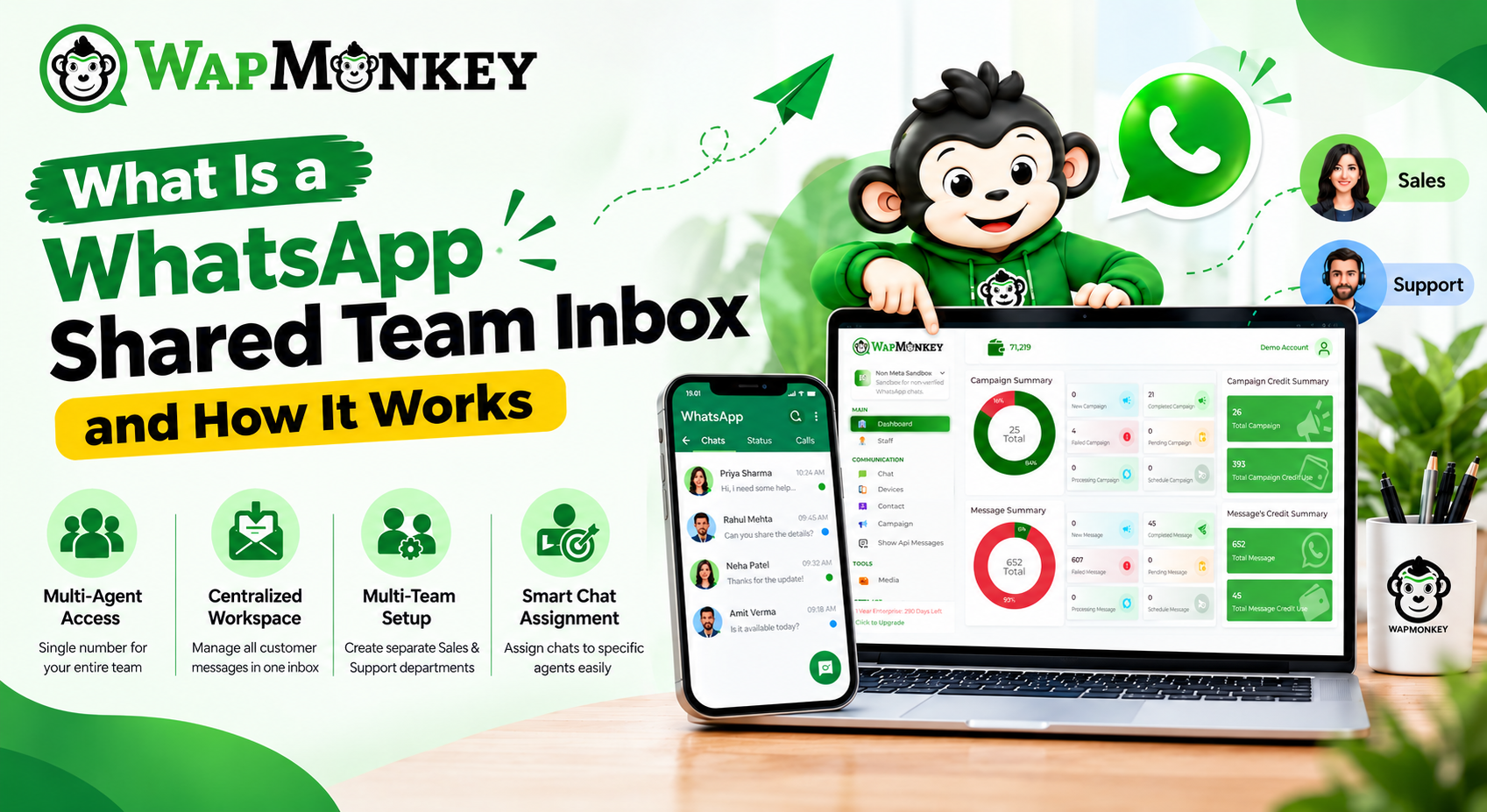
What Is a WhatsApp Shared Team Inbox and How It Works
When multiple people handle customer conversations on WhatsApp, managing messages can quickly become challenging. Sales teams may be following up with potential customers, support teams may be resolving queries, and managers may need visibility into ongoing conversations.
A WhatsApp shared inbox solves this by bringing team communication into one centralized workspace. Instead of managing conversations separately on individual accounts, teams can organize customer chats, assign conversations, manage contacts, and collaborate from a single platform — which is exactly what WapMonkey's Team Inbox is built for.
This guide explains what a WhatsApp shared inbox is, how it works, how teams can use it, and what to look for when choosing shared inbox software.
Quick Answer
A WhatsApp shared inbox is a centralized workspace where multiple team members manage WhatsApp conversations together — creating teams, assigning and reassigning chats, tagging contacts, and tracking performance through real-time analytics, instead of each person working from a separate chat list.
What Is a Shared WhatsApp Inbox?
A WhatsApp shared inbox, also called a WhatsApp team inbox, lets multiple users manage conversations from one central workspace instead of working separately through individual chat lists.
It helps businesses:
- Manage customer conversations from one place
- Assign chats to responsible team members
- Organize contacts with labels and categories
- Improve team collaboration
- Maintain visibility into customer interactions
How Does a WhatsApp Shared Inbox Work?
| Feature | What It Does | Why It Helps |
| Create teams | Organize users by department — sales, support, or shifts | Right people handle the right conversations |
| Set roles and permissions | Control access levels for team members | Keeps communication organized and secure |
| Manage contacts | Store and organize customer information | Makes conversations easier to manage |
| Add tags | Categorize contacts and conversations | Helps teams identify important customers |
| Assign conversations | Give chats to specific team members | Creates clear ownership |
| Reassign conversations | Move chats between team members when needed | Maintains continuity |
| Monitor performance | Review real-time analytics and reporting | Gives managers visibility into team activity |
How to Use a Shared WhatsApp Inbox
- Create teams — set up sales, support, marketing, or shift-based teams so conversations reach the right people.
- Set roles and permissions — control who can view or manage specific conversations.
- Organize contacts — manage contact details and categorize customers for better context.
- Tag conversations — label contacts as new, existing, high-priority, or follow-up for quick context.
- Assign conversations — route each chat to the team member best placed to handle it.
- Reassign when needed — transfer a chat without losing conversation history.
How to Manage WhatsApp Messages With a Team
- Give every conversation one owner. Assigning chats avoids several people replying to the same customer.
- Organize teams around real workloads — separate sales and support, or set up shift-based teams to match working hours.
- Review history before replying. Checking earlier messages helps the assigned agent respond with full context, especially after a reassignment.
- Use tags consistently so the whole team labels customers the same way.
WhatsApp Shared Inbox vs. WhatsApp Business App
The free WhatsApp Business App is designed for a single user or a very small team, not for multi-agent collaboration. According to independent comparisons of WhatsApp's business products, the app caps broadcast reach at a few hundred contacts at most and has no built-in chat-assignment workflow — limitations a shared inbox built on the WhatsApp Business API is designed to remove.
| WhatsApp Business App | WhatsApp Shared Inbox |
| Built for individual use | Built for team collaboration |
| Limited user collaboration | Multiple team members manage conversations together |
| No structured chat-assignment workflow | Conversations can be assigned and reassigned |
| Basic contact organization | Contact management with tags and categories |
| Hard to track team responsibility | Clear conversation ownership |
What Is a WhatsApp Multi-Agent Inbox?
A WhatsApp multi-agent inbox lets multiple agents manage customer conversations together instead of one person handling every message — distributing conversations, improving response time, and keeping a shared history. WapMonkey's Team Inbox delivers this by organizing users into teams and letting conversations be assigned and reassigned with role-based access.
How Contact Management Works in a Shared Inbox
A shared inbox with contact management lets teams store customer information, organize contacts into categories, add tags for quick identification, and keep context alongside the conversation — so no agent starts a reply blind.
Choosing the Best Shared WhatsApp Inbox for Teams
| Capability | Why It Matters |
| Team management | Organizes users by department or shift |
| Chat assignment & reassignment | Ensures ownership and continuity |
| Roles and permissions | Keeps access organized and secure |
| Contact management with tags | Keeps customer context alongside chats |
| Conversation history | Lets any agent pick up where another left off |
| Real-time analytics and reporting | Gives managers visibility into team performance |
Why Choose WapMonkey's Shared Team Inbox?
WapMonkey is a WhatsApp marketing API provider platform built to help teams centralize message management and collaboration. It works alongside WapMonkey's other features — Broadcasting & Bulk Messages, No-Code Chatbot, and Product Template Messages — so teams can manage campaigns and conversations from the same platform.
Ready to Organize Your Team's WhatsApp Conversations?
Explore WapMonkey's Team Inbox, book a demo, or view pricing to get started.
FAQs
A centralized workspace where multiple team members manage WhatsApp conversations together — organizing chats, assigning conversations, and improving collaboration in one place.
Create teams, set roles and permissions, organize and tag contacts, assign conversations, and reassign chats when needed to match your communication workflow.
Yes. A shared inbox lets multiple team members collaborate on conversations through one centralized workspace instead of separate devices.
Yes. Chat assignment gives each conversation a specific owner so responsibility stays clear.
WhatsApp Business App is built for individual use; a shared inbox is built for teams that need collaboration, chat assignment, and structured conversation management.