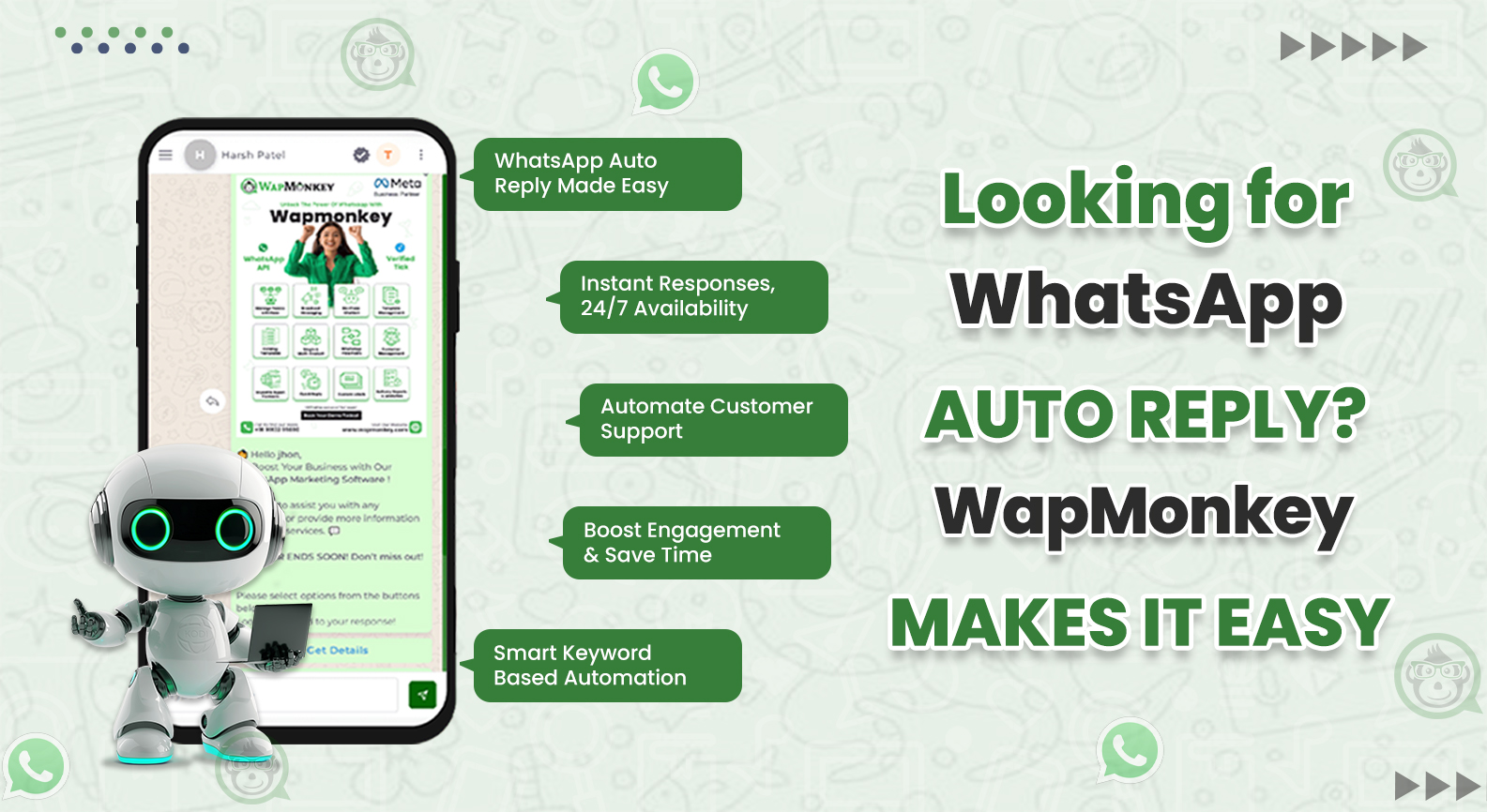
Looking for WhatsApp Auto Reply? WapMonkey Makes It Easy
Running a business means staying connected with customers, and WapMonkey WhatsApp Auto Reply is a great tool for handling customer inquiries quickly and effectively. Whether you're a small business or a large enterprise, automating your WhatsApp responses can boost customer engagement, reduce your workload, and ensure no message goes unanswered.
Our WapMonkey platform provides one of the most effective solutions for automating WhatsApp communication. It makes setting up WhatsApp Auto Replies fast and easy, so you can focus on what really matters to growing your business.
What is WhatsApp Auto Reply?
WhatsApp Auto Reply is a feature that automatically sends a pre-set response to customers when they message you on WhatsApp. This feature helps businesses respond instantly, even when you're unavailable.
With WapMonkey, you can easily set up personalized responses for frequently asked questions, such as store hours, order status, or product details. This ensures that customers always receive the answers they need, thereby improving their experience and satisfaction.
How WapMonkey Makes WhatsApp Auto Reply Simple
Setting up a WhatsApp Auto Reply with WapMonkey is easy. Here’s how:
1. Quick and Easy Setup
You don’t need any technical expertise to set up WhatsApp Auto Reply. With WapMonkey, creating automated responses is a straightforward process:
- Create Templates: Write simple responses for common inquiries.
- Set Triggers: Choose when to send auto replies, whether based on time (after business hours) or specific keywords.
- Activate: Once everything is set, WapMonkey handles the rest, sending responses whenever customers contact you.
2. Broadcast Campaigns to Reach More Customers
With WapMonkey, you can send WhatsApp broadcast campaigns to multiple customers at once. This is useful for sending promotions, updates, or new product information. Personalized messages help engage customers and keep them informed.
3. Customizable Auto Replies for Every Customer
Our platform allows you to personalize replies, so every response feels unique. You can even set up advanced workflows to handle more complex queries, guiding customers through specific steps, like placing an order or checking availability.
Why WapMonkey is the Best Choice for WhatsApp Business Automation
WapMonkey stands out as one of the best tools for WhatsApp business automation for several reasons:
1. Easy to Use
WapMonkey is designed to be simple and user-friendly. Even if you’re not familiar with tech, you can easily set up and manage WhatsApp Auto Reply.
2. Scalable for Any Business Size
Whether you're a small business or a large enterprise, WapMonkey grows with you. Manage multiple WhatsApp numbers and automate replies for different departments, locations, or service lines.
3. Affordable Plans
WapMonkey offers flexible pricing that fits businesses of all sizes. You’ll find a plan that works for your budget, whether you’re just starting or managing a larger team.
4. Multiple Features in One Platform
In addition to WhatsApp Auto Reply, WapMonkey offers several other features:
- WhatsApp Broadcast Campaigns: Send messages to large groups of contacts with personalized content.
- Real-Time Analytics: Track the performance of your campaigns and adjust them for improved results.
- CRM Integration: Sync your customer data for better targeting.
- Multilingual Support: Communicate with customers from different regions using their language.
These features make WapMonkey one of the best solutions for WhatsApp Business Automation.
Conclusion:
Clear communication is a key factor in any business. With WapMonkey, you can easily automate your WhatsApp replies, improve engagement, and ensure 24/7 availability to your customers.
If you want to respond faster, never miss a message, and enhance your customer service, WapMonkey is the right choice. Start today and see how WhatsApp Business Automation can improve your business.
FAQs
To set an auto reply in WhatsApp, use WapMonkey. Simply create custom message templates for common questions and set triggers to send automatic replies, all without technical skills.
A WhatsApp Automation Tool, like WapMonkey, helps automate messages, replies, and campaigns on WhatsApp, saving time and improving customer engagement.
WhatsApp Business Automation automates replies, messages, and campaigns using tools like WapMonkey. It helps businesses respond quickly and manage interactions efficiently.
An Automated WhatsApp Reply automatically sends pre-set responses to customers. WapMonkey lets businesses automate replies for common inquiries, ensuring timely responses even outside working hours
Yes, WapMonkey enables you to set up automated responses for common customer questions, speeding up communication and improving efficiency.