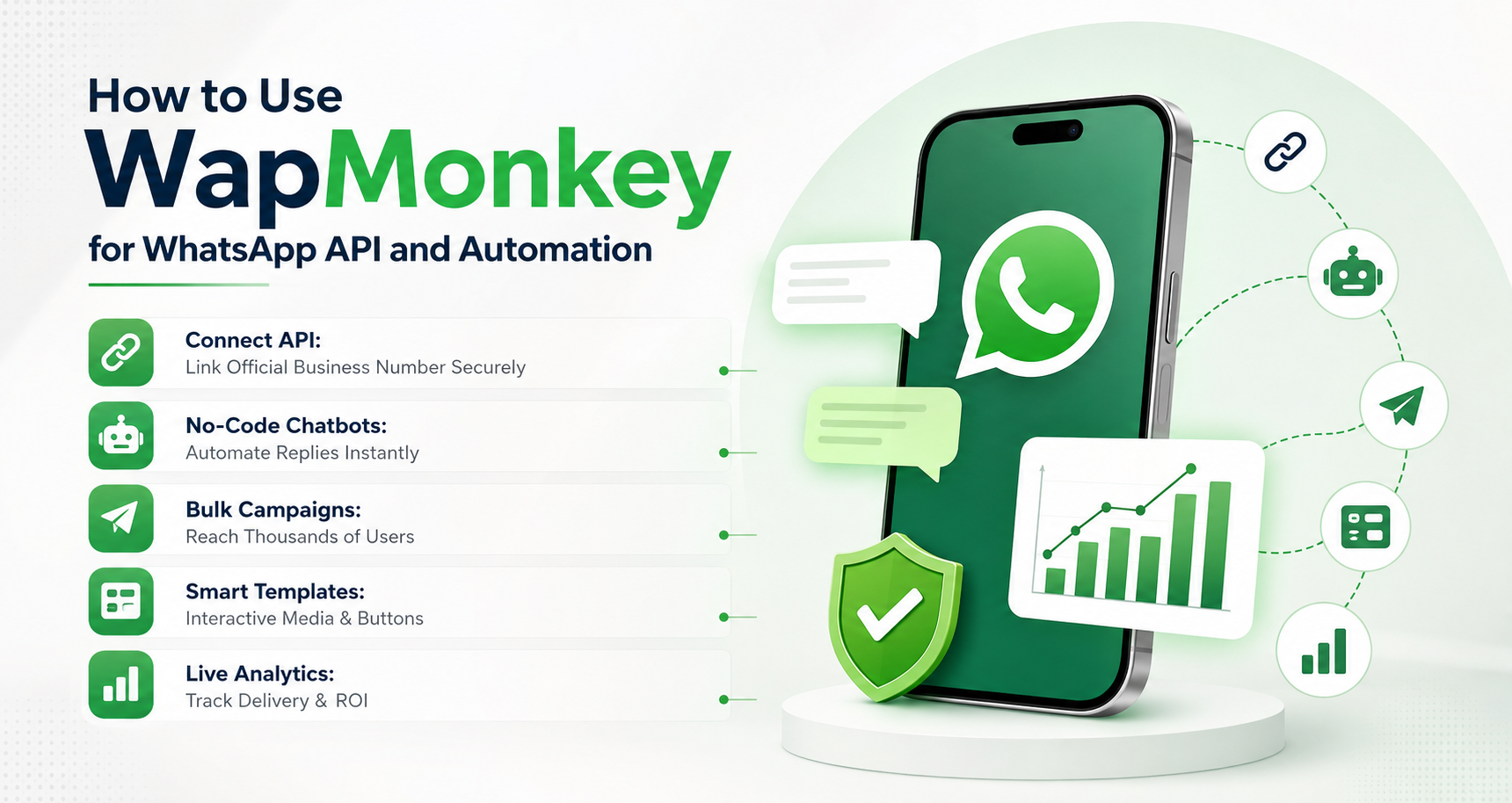
How to Use WapMonkey for WhatsApp API and Automation
WhatsApp has become one of the most powerful communication channels for businesses. From customer support and sales inquiries to marketing campaigns and follow-ups, businesses use WhatsApp to connect with customers instantly.
However, managing hundreds of customer conversations manually can become challenging. Slow responses, missed leads, limited team access, and inconsistent communication can affect customer satisfaction and business growth.
This is where WapMonkey helps businesses simplify WhatsApp communication using WhatsApp API and automation features. With a centralized dashboard, chatbot workflows, message automation, and team collaboration tools, businesses can create a professional WhatsApp communication system without complex technical processes.
What Is Official WhatsApp Business API and Automation?
The Official WhatsApp Business API is an enterprise solution from Meta that allows businesses to manage customer communication at scale. Unlike the regular WhatsApp Business app, the API provides advanced features such as multiple user access, automated messaging, business notifications, and system integrations.
When combined with a WhatsApp automation platform like WapMonkey, businesses can manage conversations through an easy-to-use dashboard.
With WhatsApp API automation, businesses can:
- Send automated customer messages
- Create chatbot workflows
- Manage multiple team members
- Run WhatsApp campaigns
- Organize customer conversations
- Track communication performance
This makes WhatsApp more than a messaging tool; it becomes a complete customer engagement platform.
Why Do Businesses Need WhatsApp API Automation?
As businesses grow, customer messages increase. Managing every conversation manually becomes time-consuming and can lead to missed opportunities.
Here are some common problems businesses face without automation:
Slow Customer Response
Customers expect quick replies. Delayed responses can result in lost leads and poor customer experiences.
WhatsApp message automation helps businesses provide instant replies and maintain faster communication.
Limited Team Access
The standard WhatsApp Business app is not designed for large teams. Multiple employees cannot efficiently manage conversations from one business number.
With an official WhatsApp API setup, teams can collaborate through a shared workspace.
No Automated Follow-Ups
Many customers need reminders and follow-ups before making a purchase decision. Manual follow-ups are difficult to manage.
Automation allows businesses to create scheduled messages and customer journeys automatically.
How Does WapMonkey Help Businesses?
WapMonkey works as a complete WhatsApp automation platform that helps businesses manage customer communication from one centralized dashboard.
Centralized WhatsApp Dashboard
The WapMonkey dashboard allows businesses to manage customer conversations, contacts, campaigns, and automation workflows in one place.
Sales and support teams can handle customer queries without switching between multiple devices.
WhatsApp Message Automation
Businesses can automate repetitive communication such as:
- Welcome messages
- Order updates
- Appointment reminders
- Customer notifications
- Promotional campaigns
This saves time and improves response consistency.
No-Code Chatbot Builder
WapMonkey helps businesses create automated chatbot flows without requiring programming knowledge.
Chatbots can help customers:
- Select services
- Get product information
- Request support
- Connect with sales representatives
This creates a smoother customer experience.
How to Use WapMonkey for WhatsApp API Setup?
Setting up WapMonkey for WhatsApp API automation involves a few simple steps:
Step 1: Connect Your WhatsApp Business Account
First, connect your Meta Business account and configure your WhatsApp Business API details through the WapMonkey platform.
This creates a secure connection between your business number and WhatsApp API infrastructure.
Step 2: Create Message Templates
Businesses can create approved WhatsApp message templates for different communication needs.
Examples include:
- Welcome messages
- Promotional updates
- Order notifications
- Appointment reminders
Step 3: Build Automation Workflows
Use the WapMonkey dashboard to create automated workflows based on customer actions.
For example, when a customer sends a message, the chatbot can automatically provide options or transfer the conversation to the correct team member.
Step 4: Add Team Members
Businesses can provide access to multiple employees through a shared inbox.
This allows sales and support teams to manage conversations efficiently.
Step 5: Monitor Performance
Track important communication metrics such as:
- Message delivery
- Customer responses
- Active conversations
- Campaign performance
These insights help businesses improve their WhatsApp strategy.
Benefits of Using WapMonkey WhatsApp Automation
Improve Customer Support
Automated replies and organized conversations help businesses provide faster customer assistance.
Increase Sales Opportunities
Instant responses and automated follow-ups help businesses engage potential customers at the right time.
Save Time and Resources
Automation reduces repetitive manual tasks, allowing teams to focus on important customer interactions.
Scale Business Communication
Whether you have a small business or a growing enterprise, WapMonkey helps you manage increasing WhatsApp conversations efficiently.
Who Can Use WapMonkey?
WapMonkey WhatsApp automation is useful for different industries, including:
E-commerce Businesses
Manage order updates, product inquiries, promotional messages, and customer support.
Real Estate Companies
Automate property inquiries, lead follow-ups, and customer communication.
Educational Institutes
Handle admission queries, course information, and student notifications.
Service-Based Businesses
Manage appointments, customer requests, and sales communication.
WhatsApp Business App vs WapMonkey WhatsApp API Platform
| Feature | WhatsApp Business App | WapMonkey API Platform |
| Team Access | Limited | Multiple agents |
| Automation | Basic replies | Advanced workflows |
| Chatbot | Limited | No-code chatbot builder |
| Campaigns | Restricted | Automated campaigns |
| Analytics | Basic | Detailed reporting |
| Customer Management | Limited | Centralized dashboard |
Final Thoughts
Businesses need faster, smarter, and more organized communication to compete in today’s digital environment. Learning how to use WapMonkey for WhatsApp API and automation helps companies transform WhatsApp into a powerful customer engagement channel.
With features like WhatsApp Business API integration, automated messaging, chatbot workflows, team collaboration, and analytics, WapMonkey makes business communication more efficient and scalable.
Whether you run an e-commerce store, service business, education platform, or growing company, WhatsApp automation can help you improve customer experience and generate better business results.
FAQs
You can use WapMonkey by connecting your WhatsApp Business API, creating message templates, setting up automation workflows, and managing conversations through the dashboard.
No. WapMonkey provides a simple dashboard and no-code automation tools for businesses.
Yes. Multiple team members can manage customer conversations through a shared workspace.
Yes. Businesses can automate greetings, notifications, follow-ups, and campaign messages.
Yes. Small businesses can use WhatsApp API automation to save time, respond faster, and manage customer communication professionally.